319 Chrome Extensions Hijacked Searches for 13.4 Million Users, Socket Finds
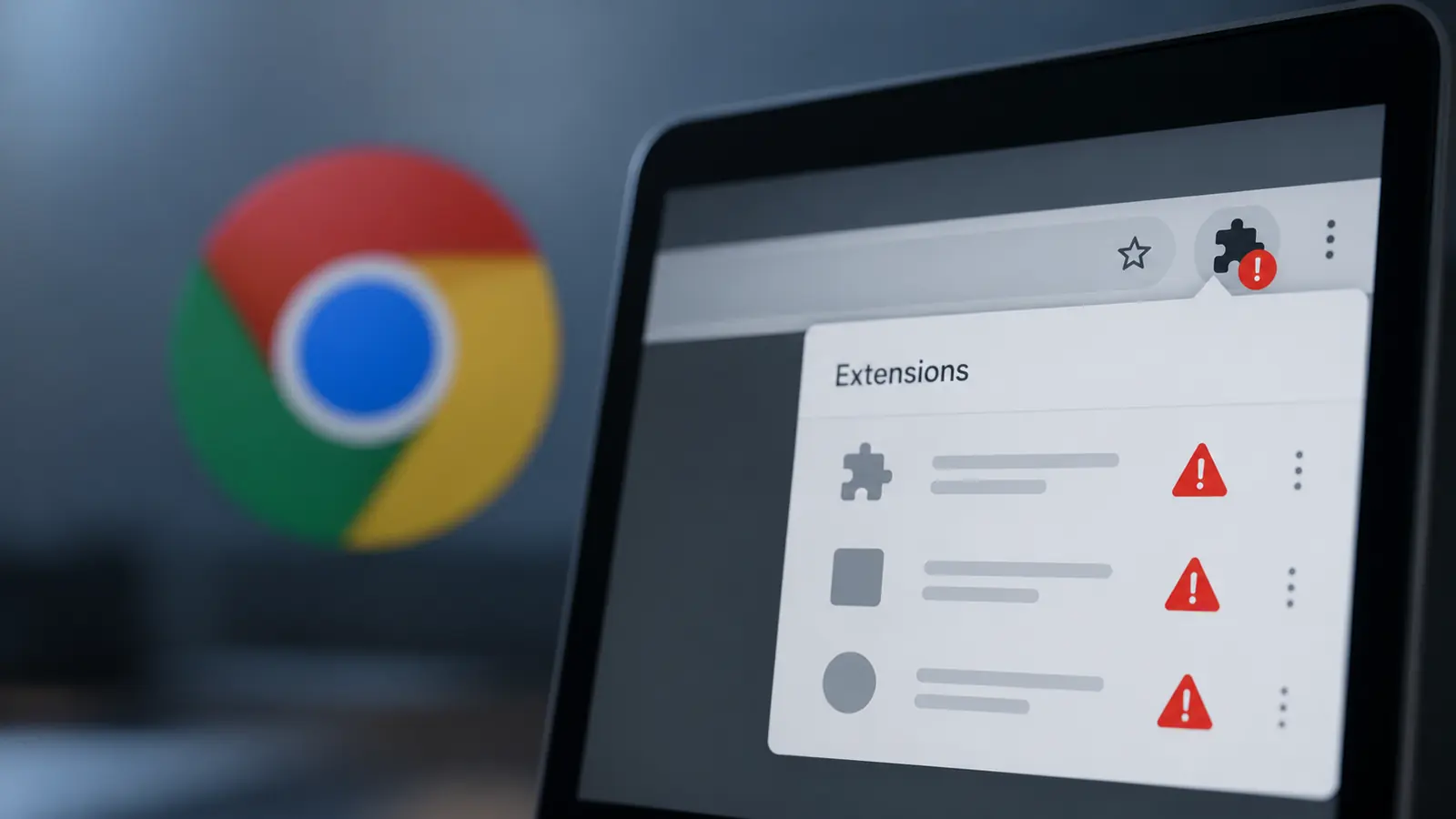
Researchers at Socket say a network of 319 chrome extensions has been quietly redirecting people’s web searches. According to a report from Cyber Security News on Socket’s investigation, published October 29, the extensions are linked to search hijacking affecting roughly 13.4 million users over a decade.
One caution applies. The headline figure combines findings across years, so it does not mean 13.4 million people are affected today.
What the Extensions Did
The extensions were marketed as PDF converters, manual finders, safe search tools and AI search helpers. Instead of sending your search straight to Yahoo or Bing, they sent it through servers controlled by the operators first.
The business model is simple. Operators earn money through search syndication programs, which share advertising revenue with partners that supply traffic. Tracking parameters show which partner gets credit for each search.
Researcher John Tuckner separately reported 264 newly identified extensions affecting another 8.7 million users.
How They Slipped Through
The trick relies on a Chrome setting that lets an extension replace your default search engine. One analyzed extension, Safe Game Search, contained only a manifest and three icons. It had no background scripts, no toolbar interface and no permissions beyond its search settings.
Chrome does show an install prompt about changing search settings. Socket says that prompt does not clearly explain where your queries end up. That creates a gap, because an extension can look harmless in a permissions review while still putting an outside server between you and your results.
Why It Matters for Privacy
Searches reveal a lot. Queries can show health concerns, money problems, work projects and personal interests. Because the operator’s server receives your search first, a familiar-looking results page does not prove your request took a direct or private route.
Socket tested one extension, Predator Search, with six identical queries. They produced four different outcomes, including Yahoo results, alternative landing pages, an extra redirect chain and an error page. The extension itself never changed, which shows the operator controls results from the server side.
There is some reassurance. Socket observed mostly referral-tagged search traffic, not confirmed phishing, so harmful redirects remain a possible escalation rather than an established outcome.
How the Network Spread
Most of the extensions were unlisted in the Chrome Web Store. Their pages stayed reachable through direct links but did not appear in normal store searches. Paid ads, including popovers and popunders, led people to landing pages that promoted useful-looking tools and urged them to install.
The activity goes back to 2016. Socket linked about 111 extensions and roughly 2.2 million installs to Intango LTD. Another cluster, SecuryBrowse, accounted for 58 extensions and about 4.9 million users, and a newer Bing-focused group contained 37 extensions. Coordinated updates across supposedly separate publishers suggested shared operation.
Investigators matched store listings, privacy policies and advertising records to connect the pieces. Socket also noted that domains can stay active after the extensions disappear.
How to Check Your Browser
Cyber Security News says users should remove unfamiliar add-ons and verify their default search engine. Organizations should look into unexplained search redirects and restrict unapproved extensions.
These steps are our own general advice, and menu names may change. In Chrome, open Settings and look at the search engine section to confirm your default is the one you chose. Then open your extensions list and remove anything you do not recognize or no longer use. Be especially wary of tools you installed after clicking an ad.
It also helps to install extensions only from trusted publishers and to keep the list short. Fewer add-ons means fewer ways for someone to sit between you and the web.
Related Reading
This is not the first extension scare this year. Read our report on the BragJack extension that hijacks AI assistants in Chrome and Edge. For wider habits, see our guides to protecting your digital privacy in 2026 and the Chrome 152 update with 327 security fixes.