Password Managers: Why You Need One and How They Protect Your Digital Life
Password managers are becoming essential tools for anyone navigating today’s digital world. With increasing cyber threats, data breaches, and multiple online accounts, remembering secure passwords is no longer practical. Password managers help you generate, store, and manage strong passwords safely — protecting your digital life and improving security.
If you still reuse passwords or store them in notes apps, you may be exposing yourself to unnecessary risks.
Why Password Security Matters More Than Ever
The average person now manages dozens of online accounts — from banking apps to social media and work platforms. This creates a major security problem: people tend to reuse passwords or create weak ones that are easy to remember.
Cybercriminals exploit this behavior using techniques like:
- Credential stuffing
- Phishing attacks
- Brute force attacks
- Data breaches
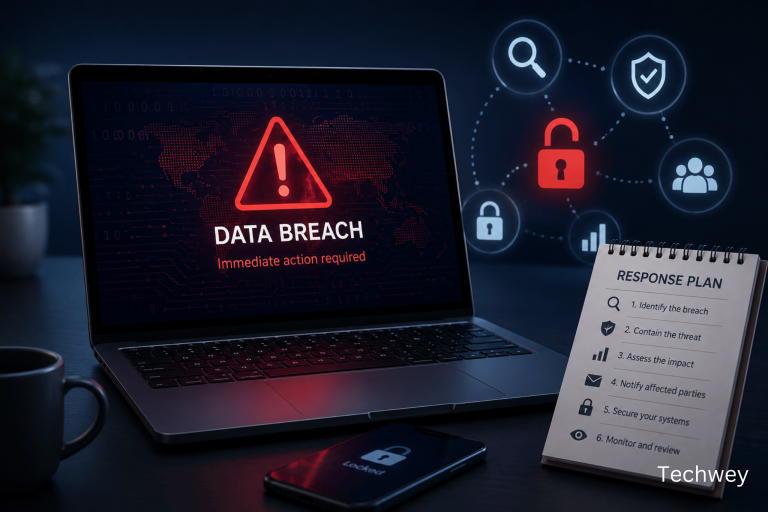
Small businesses and individuals alike are increasingly targeted, as attackers know weak passwords remain one of the easiest entry points. Security experts warn that many organizations still underestimate password risks, making password management essential for modern cybersecurity.
According to a report from IBM, stolen or compromised credentials remain one of the most common causes of data breaches. You can read more from IBM’s research on the Cost of a Data Breach Report.
What is a Password Manager?
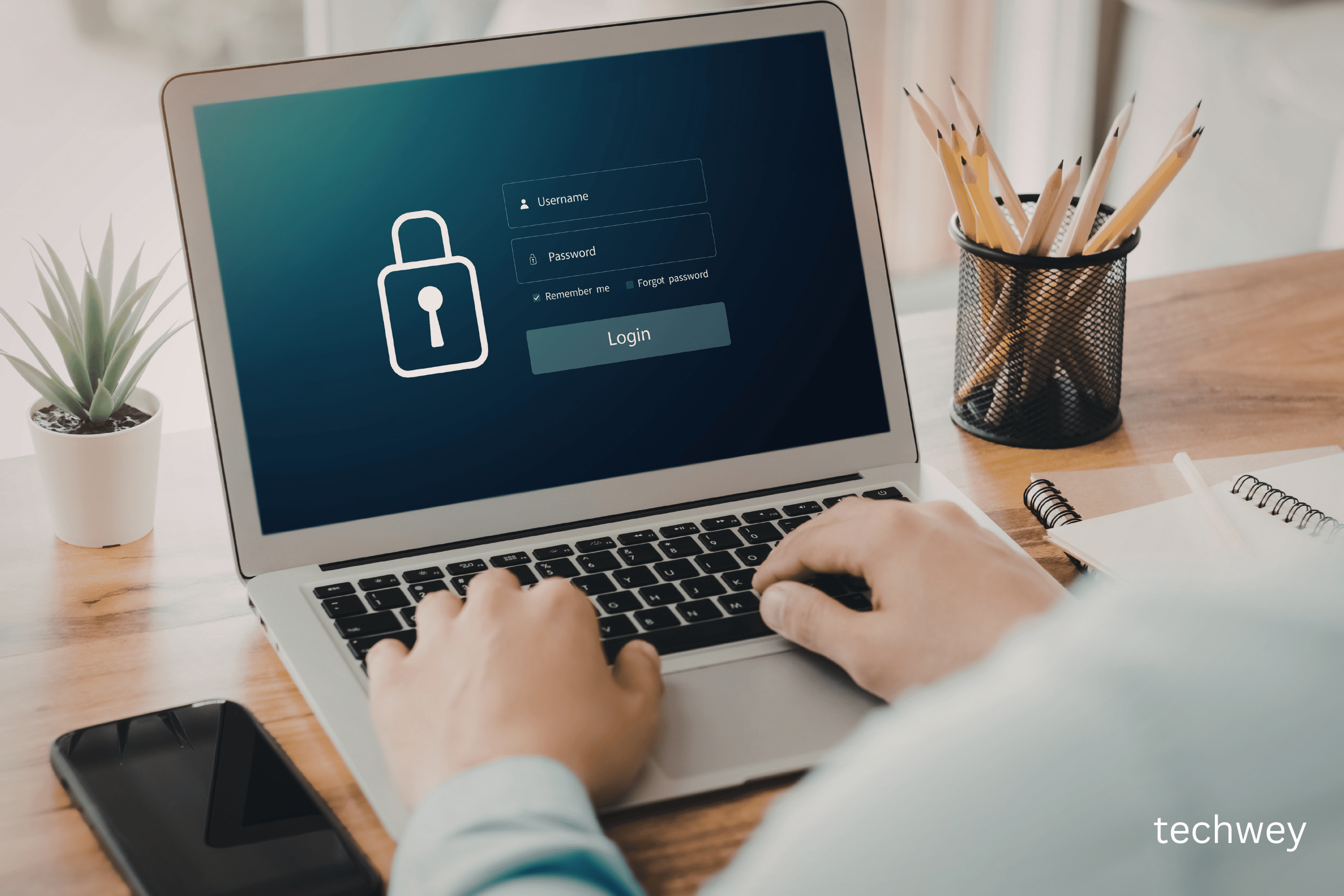
A password manager is a secure application that stores and encrypts your passwords in one place. Instead of remembering multiple passwords, you only need to remember one master password.
Most password managers offer:
- Strong password generation
- Autofill login credentials
- Encrypted password storage
- Cross-device syncing
- Security alerts for breaches
This makes managing dozens of accounts easier and significantly more secure.
Benefits of Using Password Managers
1. Stronger Passwords
Password managers generate complex passwords that are difficult to guess. This reduces your exposure to brute force and hacking attempts.
2. Improved Productivity
You no longer need to reset forgotten passwords or search through notes. Everything is stored securely and accessible instantly.
3. Better Protection Against Data Breaches
Many password managers monitor data breaches and notify you when your credentials are compromised.
4. Secure Sharing
Some password managers allow secure password sharing with team members or family.
Are Password Managers Safe?
Yes — when used properly. Password managers use encryption to protect your data. Even if someone gains access to the stored data, they cannot read it without the master password.
However, best practices include:
- Use a strong master password
- Enable two-factor authentication
- Keep software updated
- Avoid public devices
Popular Password Managers
Some commonly used password managers include:
- LastPass
- 1Password
- Bitwarden
- Dashlane
- NordPass
Each offers different features depending on your needs.
Who Should Use Password Managers?
Password managers are useful for:
- Individuals
- Students
- Remote workers
- Businesses
- Developers
- Digital marketers
Basically, anyone with multiple online accounts benefits from using one.
The Future of Password Security
As cyber threats evolve, password managers are becoming smarter. Many now integrate with biometric authentication, AI-powered threat detection, and secure vaults.
Technology trends in 2026 show increased focus on security and automation, making password management tools more important than ever.
Final Thoughts
Password managers are no longer optional — they’re essential. With cyber threats growing and digital accounts increasing, using one of these tools helps protect your identity, data, and privacy.
If you haven’t started using a password manager yet, now is the best time to improve your digital security.
Read more tech related content here