
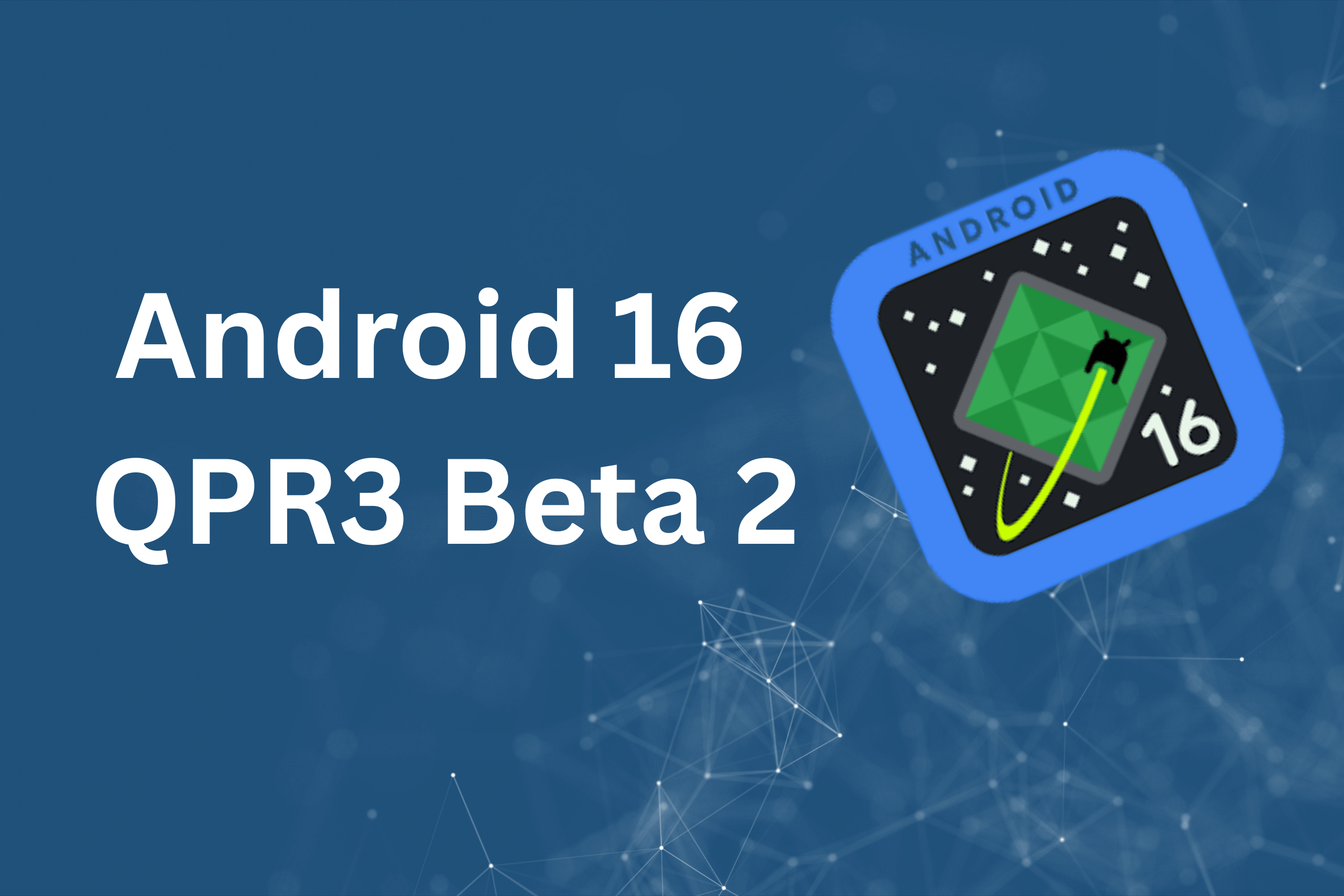
Google released Android 16 QPR3 Beta 2 for Pixel devices on January 14, 2026, bringing stability improvements and bug fixes—but also quietly removing functionality that many users never knew existed. The update scales back powerful multitasking features built into Android’s Recents screen, limiting how users interact with images across apps.
The change affects the Android 16 QPR3 Beta 2 Recents menu specifically, transforming what was once a productivity powerhouse into a much simpler interface. While Google positions this as part of broader platform refinements, the downgrade eliminates convenient shortcuts that made Android’s multitasking stand out.
What Google Removed from the Android 16 QPR3 Beta 2 Recents Menu
The Recents screen—accessible by swiping up and holding, or tapping the multitasking button—serves as Android’s app switcher. Beyond just switching between applications, it previously offered sophisticated image manipulation tools that worked across supported apps.
Before Android 16 QPR3 Beta 2, long-pressing on images within the Recents view revealed multiple options:
- Save image locally to your device’s gallery
- Open in Google Lens for immediate visual search and identification
- Copy image to clipboard for pasting elsewhere
- Share image directly to other apps
This feature set turned the Recents screen into a productivity tool rather than just a navigation interface. Users could extract images from apps, run visual searches, or save content without ever leaving the multitasking view.
The latest Android 16 QPR3 Beta 2 Recents menu update strips away the save and Lens integration entirely. Users now see only two actions when long-pressing images: copy or share. While Circle to Search remains available for looking up images, the convenience of direct Lens access and local saving has disappeared.
Why This Android 16 QPR3 Beta 2 Recents Menu Change Matters
The frustrating aspect of this downgrade is that most Android users probably never discovered these features in the first place. Google didn’t prominently advertise the image manipulation capabilities, leaving them buried as an undocumented productivity feature that power users occasionally stumbled upon.
According to Android Authority, the change was first spotted in Android Canary builds back in December 2025, suggesting Google has been testing this removal for over a month. Its inclusion in the public Android 16 QPR3 Beta 2 release indicates the company intends to proceed with this limitation.
For users who did utilize these features, the loss is tangible:
Content creators who quickly grabbed screenshots from other apps for editing now need extra steps to save images locally before working with them. The streamlined workflow of long-press, save, and edit is broken.
Research-focused users who relied on instant Lens lookup within the multitasking view must now either screenshot and open Google Photos, or use Circle to Search—both requiring additional actions compared to the previous single long-press.
Productivity enthusiasts who appreciated Android’s hidden efficiency tools face yet another case of Google removing useful functionality without clear explanation or user benefit.
What Still Works in the Android 16 QPR3 Beta 2 Recents Menu
Despite the removals, some image functionality remains in the Android 16 QPR3 Beta 2 Recents menu:
Copy functionality lets you grab images to paste into other applications. This works identically to before, maintaining at least one core productivity feature.
Share sheets open the standard Android sharing interface, allowing you to send images to messaging apps, email, cloud storage, or any other compatible application on your device.
Circle to Search provides an alternative path to visual lookup. Users can activate this feature and circle or tap any image on screen—including within the Recents view—to trigger Google Lens-style identification and search. However, this requires additional steps compared to the previous direct Lens integration.
The difference comes down to workflow efficiency. Where users previously needed one long-press to access multiple options, they now must choose between limited actions or activate separate features like Circle to Search for functionality that was previously integrated.
Android 16 QPR3 Beta 2: Beyond the Recents Menu Changes
The Android 16 QPR3 Beta 2 release isn’t solely about the Recents menu downgrade. Google’s release notes highlight numerous stability and performance improvements that address genuine user pain points.
Battery management fixes resolve issues where devices ignored charging limits or experienced excessive overnight drain. These problems affected multiple Pixel models, causing frustration for users who set 80% charging limits only to wake up to fully charged batteries.
Connectivity improvements tackle slow Wi-Fi speeds and missed calls—critical issues that impact daily usability more than any feature addition or removal.
UI performance enhancements address glitches in the notification shade and app drawer, ensuring smoother navigation throughout the system. Android Authority reports the update resolves app drawer unresponsiveness that required updates to UI rendering.
System stability patches fix critical crashes and device freezes that plagued earlier builds, making Android 16 QPR3 Beta 2 more reliable for daily use.
The update also introduces a redesigned Settings menu with sub-headings and better organization, making it easier to locate specific options within Android’s sprawling configuration interface.
How to Get Android 16 QPR3 Beta 2 on Your Pixel Device
Android 16 QPR3 Beta 2 is available for a wide range of Pixel devices through Google’s Android Beta Program. Supported models include:
- Pixel 6, 6 Pro, and 6a
- Pixel 7, 7 Pro, and 7a
- Pixel 8, 8 Pro, and 8a
- Pixel 9, 9 Pro, 9 Pro XL, and 9 Pro Fold
- Pixel 9a
- Pixel 10, 10 Pro, 10 Pro XL, and 10 Pro Fold
- Pixel Fold and Pixel Tablet
To install the update:
- Visit the Android Beta Program website
- Sign in with your Google account
- Enroll your eligible Pixel device
- Navigate to Settings > System > Software updates
- Download and install the update when it appears
Users already enrolled in the beta program will receive Android 16 QPR3 Beta 2 automatically through over-the-air updates. The download size varies between 555MB and 2GB depending on your current Android version.
Important considerations before enrolling:
Beta software inherently carries risks. While Google describes Quarterly Platform Releases as “suitable for general use,” users should expect occasional bugs or unexpected behavior. Back up important data before enrolling in case issues arise.
Leaving the beta program typically requires a factory reset, which erases all data on your device. Consider beta enrollment a commitment through the stable release expected in March 2026.
Will Google Reverse the Android 16 QPR3 Beta 2 Recents Menu Changes?
The inclusion of reduced functionality in a public beta suggests Google is committed to this direction, but nothing is final until the stable Android 16 QPR3 release. Beta testing exists partially to gather user feedback and identify changes that negatively impact real-world usage.
If enough users report frustration with the Android’s Recent menu limitations, Google might restore some functionality before the March 2026 stable release. However, the company’s track record with feature removals suggests this outcome is unlikely.
Google has repeatedly removed useful Android features without public explanation. Recent examples include:
- Removing Now Playing history access from older Pixel devices
- Scaling back Google Assistant capabilities in favor of Gemini AI integration
- Eliminating various gesture shortcuts and hidden features discovered by power users
The pattern suggests Google prioritizes interface simplification and feature consolidation over maintaining every productivity tool users discover within Android.
Adapting to the New Android 16 QPR3 Beta 2 Recents Menu
For users affected by this change, several workarounds maintain similar functionality:
For saving images: Take screenshots using the power and volume down button combination, then access images through Google Photos. Alternatively, use the native sharing interface to send images directly to Files or Google Drive.
For Lens functionality: Activate Circle to Search by long-pressing the home button or navigation bar, then circle the desired image. While requiring extra steps, this provides identical Lens capabilities.
For image manipulation: Consider installing third-party apps like Image Toolbox or Simple Gallery Pro that offer quick-access image handling from notifications or system integration.
These alternatives replicate lost functionality but sacrifice the convenience of integrated Recents menu access. The efficiency loss is real, even if workarounds exist.
The Bigger Picture: Android Feature Evolution
The Android 16 QPR3 Beta 2 Recents menu change represents a broader trend in development where Google continuously refines, removes, and replaces features based on internal priorities that may not align with user preferences.
Quarterly Platform Releases focus on stability and performance rather than major feature additions, but they increasingly include feature removals or simplifications that affect power users.
As Android matures, Google appears to favor streamlined interfaces over feature-rich environments. Whether this benefits the majority of users or unnecessarily limits advanced capabilities remains an open question—one that each removed feature forces users to reconsider.
For now, users interested in testing the latest Android 16 QPR3 Beta 2 Recents menu changes can enroll in the beta program and provide feedback through Google’s issue tracker. Your input might influence whether Google maintains this direction or restores functionality before the stable release.
The stable Android 16 QPR3 update is scheduled for March 2026, giving Google approximately two months to refine the platform based on beta feedback. Whether the Recents menu changes survive until then depends on user reception and Google’s willingness to prioritize convenience over simplification.
Read more tech related articles here.

Leave a Reply