
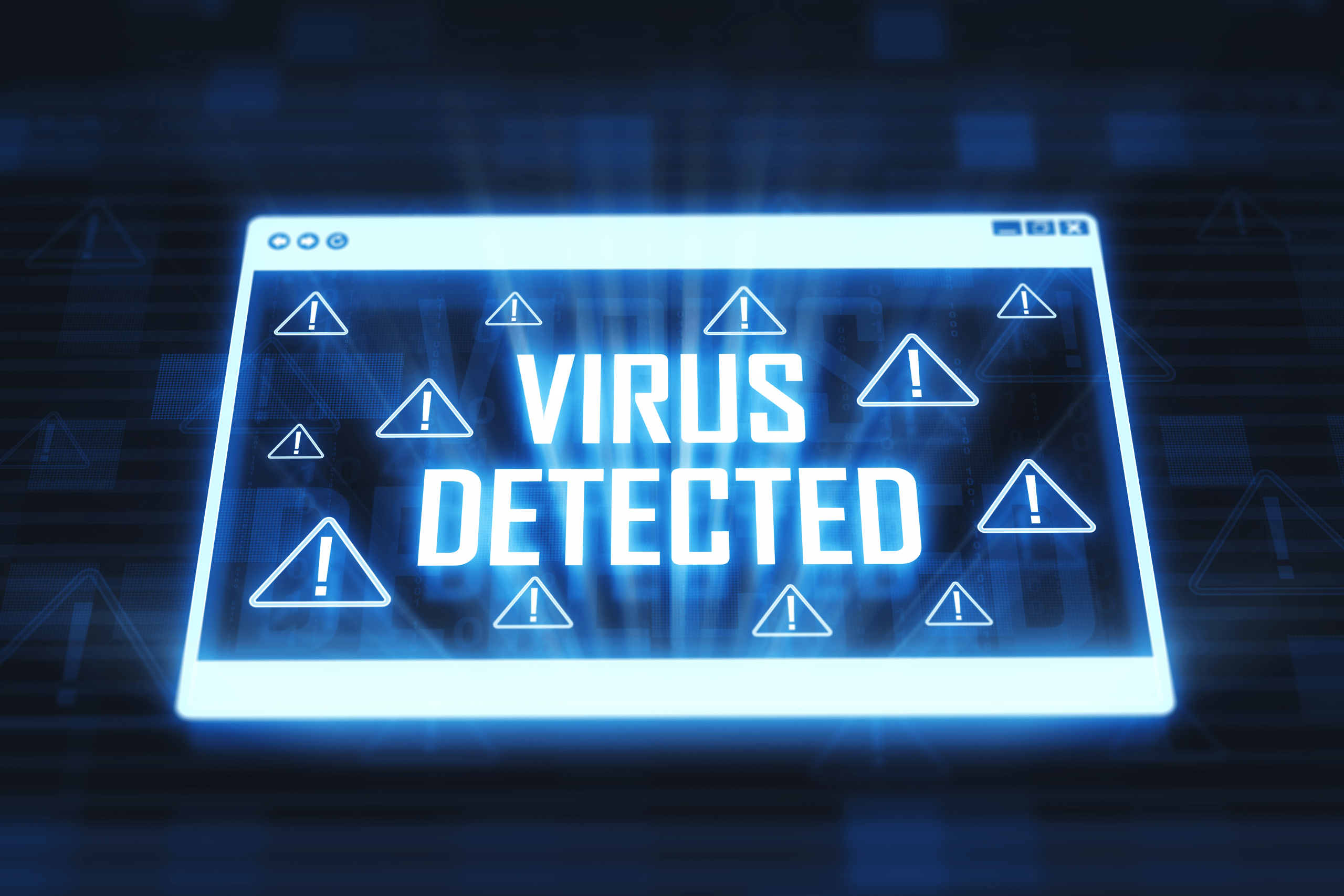
We depend on computers daily — for work, school, entertainment, and managing our lives. But nothing disrupts your digital groove quite like a computer virus. These pesky intrusions can slow things down, compromise your personal data, and leave you scratching your head.
Fortunately, recognizing the signs early can save you from a major headache. Let’s dive into the seven red flags that could mean your computer is infected — and what to do about them.
1. Sudden Slowness or Poor Performance
If your computer suddenly feels like it’s moving through molasses, a virus might be running behind the scenes and hogging resources. While software updates and aging hardware can also cause slowdowns, a big red flag is poor performance when no heavy-usage programs are running.
2. Frequent Crashes or Freezing
Does your computer freeze up or crash more than usual? Viruses can interfere with your system’s core processes, leading to instability and unexpected shutdowns. Always make note of error messages — they might point to the source of the issue.
3. Pop-Ups Galore
Too many pop-up ads? Especially the kind that warn you about nonexistent viruses or offer impossible deals? These are likely signs of adware or malware, common forms of viral infections that thrive on generating clicks and harvesting data.
4. Programs Starting or Quitting on Their Own
If apps are launching without your input or mysteriously closing in mid-use, don’t chalk it up to gremlins. Malicious software may be manipulating your system to install other programs or corrupt essential files.
5. Unfamiliar Programs or Extensions
Found new software you didn’t install? Strange browser extensions or toolbars appearing without permission? Viruses often come bundled with other unwanted programs — sneaking into your system via downloads or phishing links.
6. Your Antivirus Has Been Disabled
One of the sneakier tricks viruses pull is deactivating your antivirus protection to avoid detection. If your antivirus suddenly turns off or refuses to update, it’s time to investigate further.
7. Unusual Network Activity
Viruses often use your internet connection to communicate with outside servers. If your network seems overly active even when you’re not browsing — especially if data usage spikes — a virus may be to blame.
How to Remove a Virus (Safely and Effectively)
Think your system might be infected? Follow these steps to clean things up safely:
- Disconnect from the internet: This helps prevent the virus from spreading and limits its ability to transmit data.
- Enter Safe Mode: Booting into safe mode prevents non-essential apps — including many forms of malware — from running.
- Run your antivirus: Perform a full system scan using reputable antivirus software. If you don’t have one installed, some top-rated options include Malwarebytes, Bitdefender, and Windows Defender (built into most Windows PCs).
- Remove suspicious programs: Review your list of installed programs and uninstall anything unfamiliar or recent that coincides with odd behavior.
- Clear browser history and cache: This helps wipe out any lingering adware or browser hijackers.
- Update your software: Make sure your operating system and files are updated — many viruses exploit outdated software vulnerabilities.
- Change passwords: Especially for critical accounts like email, banking, and social media. Use strong, unique passwords for each login.
Prevention Is the Best Defense
Once your system is clean, take steps to prevent future infections:
- Keep software updated — regular patches close security loopholes.
- Be cautious with email links and attachments — even if the message looks legit.
- Download only from trusted sites — and avoid pirated software or shady apps.
- Use a reliable antivirus program with real-time scanning.
- Back up your data regularly to protect your files from corruption or malware-related loss.
With a little vigilance and the right tools, you can keep your computer running smoothly and safely. Know the signs, act quickly, and you’ll stay one step ahead of viruses — no white lab coat required!
Read more tech articles here.




Leave a Reply