How to Protect Your Privacy at Events Using Facial Recognition
If you’re heading to a major sporting event, concert, or festival this year, there’s a good chance facial recognition technology is part of the security setup. The 2026 FIFA World Cup is the clearest example yet — stadiums across the US, including Gillette in Boston, Hard Rock in Miami, and Mercedes-Benz in Atlanta, are using AI-powered facial recognition for entry and payments.
This isn’t isolated to soccer. Several Major League Baseball stadiums now use a “Go-Ahead Entry” system where a selfie taken through an app replaces a physical ticket. The technology is spreading fast, often with limited public debate about what happens to the data afterward.
Here’s how this technology actually works, and what you can do to protect your privacy without missing out on the events you want to attend.
How Stadium Facial Recognition Actually Works
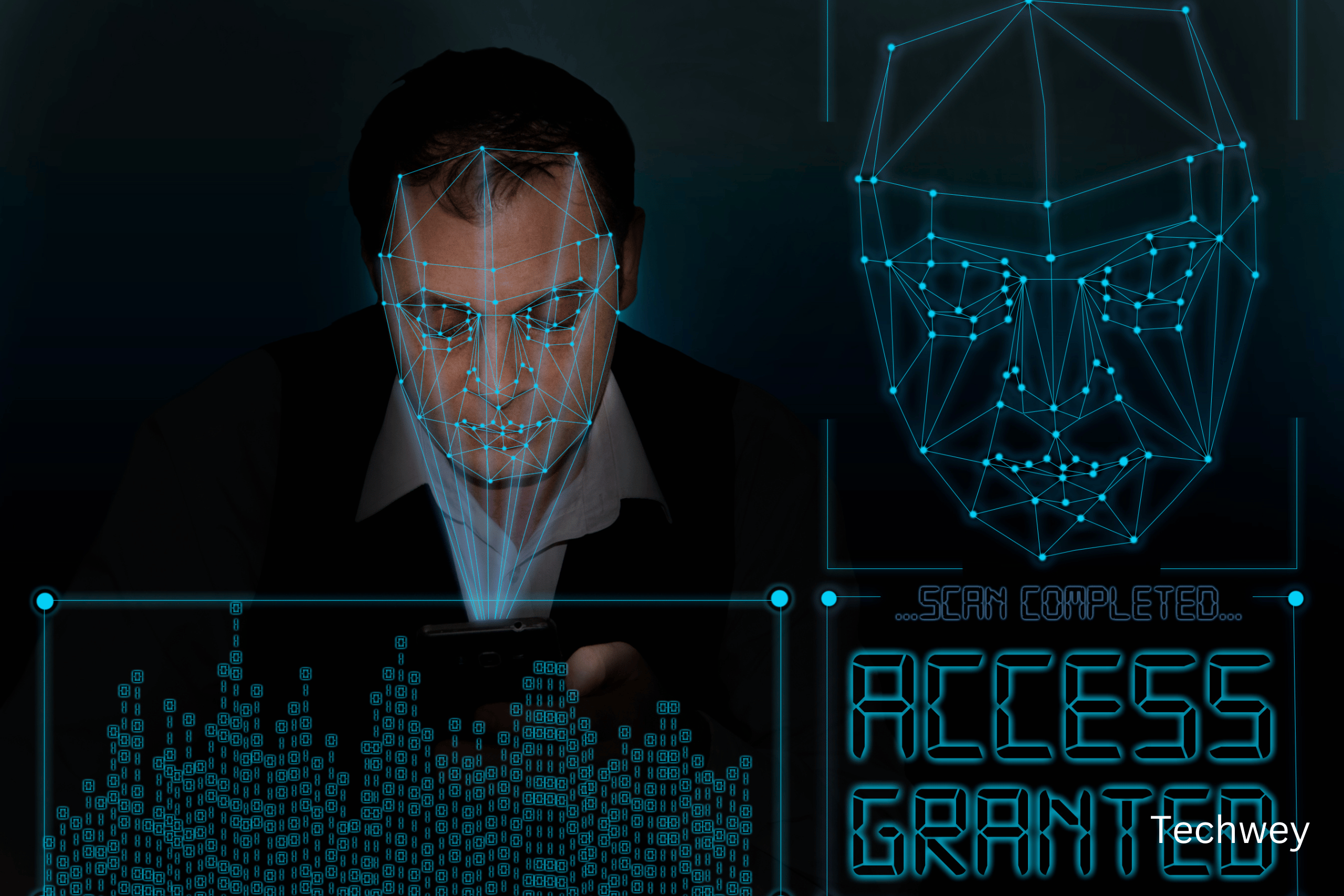
The basic process is the same across most systems. You register in advance through an app, usually by submitting a selfie. That image is converted into a mathematical representation of your face — a faceprint — and stored. When you arrive at the venue, a camera at the entry point captures your face again, generates a new faceprint, and compares it against the registered one. If it matches closely enough, you’re let through.
The convenience is real. No fumbling for a ticket or wallet. But the privacy trade-off is significant. The Electronic Frontier Foundation’s Matthew Guariglia has described this kind of surveillance as infrastructure that tends to outlast the event it was built for. Qatar’s 2022 World Cup deployed more than 15,000 cameras — many of which are still active today, long after the tournament ended.
Why “Just for Security” Isn’t the Whole Story
Event organisers consistently frame facial recognition as a security and convenience tool. And in narrow terms, it often is — speeding up entry, reducing ticket fraud, helping identify banned individuals. But the technology comes with documented risks that go beyond its stated purpose.
Facial recognition systems have well-documented accuracy problems, particularly for women and people with darker skin tones. Misidentification at a major event isn’t a hypothetical — it has led to wrongful detentions in past deployments, including a documented case during the 2019 Copa América in Brazil where an innocent person was mistakenly added to a security watchlist.
There’s also the question of what happens to the data after the event ends. Once your faceprint is captured and stored, there is often little visibility into how long it’s retained, who has access to it, or whether it gets shared with other organisations or law enforcement.
Five Practical Steps to Protect Your Privacy
1. Check if facial recognition is opt-in or mandatory. Many systems, including the MLB’s Go-Ahead Entry, are voluntary alternatives to traditional ticketing — not a requirement. If a faster line isn’t worth the trade-off to you, you can usually still use a standard ticket or ID-based entry.
2. Read the privacy policy before you register. It’s tedious, but look specifically for how long your faceprint is stored, whether it’s shared with third parties, and whether you can request deletion afterward. If none of that information is available, treat that as a red flag rather than an oversight.
3. Disable face unlock on your phone before high-surveillance events. The ACLU specifically advises travellers to consider removing facial recognition capabilities on personal devices when attending events with heavy security infrastructure, including the 2026 World Cup. This protects your device if it’s ever inspected or seized.
4. Be selective about which apps you grant camera and photo access to. Event-specific apps that request a selfie for entry often request broader permissions than necessary. Check what access you’re granting and revoke anything that isn’t essential after the event ends.
5. Know your local rules. Some cities have stricter facial recognition regulations than others. Seattle, for example, activated stadium-area CCTV cameras for the World Cup but maintains it does not use facial recognition, citing specific legislative restrictions. Rules vary significantly by city and country — a quick search for your event’s host city often reveals what oversight, if any, applies.
The Bigger Picture
None of this means you should avoid major events. The convenience facial recognition offers is genuine, and for most people, the practical risk of a single event registration is low. But it’s worth treating these systems with the same scrutiny you’d apply to any service asking for your biometric data — because once a faceprint exists, you generally cannot change it the way you can change a password.
The infrastructure being built for events like the World Cup tends to stick around. Understanding how it works, and making a few small, deliberate choices about your own data, is the most practical way to enjoy the convenience without losing track of where your information ends up. For more on staying safe as AI-powered surveillance and security tools become more common, see our guide on how to protect yourself from AI-powered cyber threats.
Read more tech related articles here.