How to Spot a Phishing Email Before It’s Too Late
Most people assume they’d never fall for a scam email — until they’re tired, distracted, and looking at a message that looks exactly like it came from their bank. Learning how to spot a phishing email isn’t about being paranoid; it’s about knowing a handful of consistent red flags that scammers rely on, because those tricks work often enough to keep using them.
What Makes an Email “Phishing”?
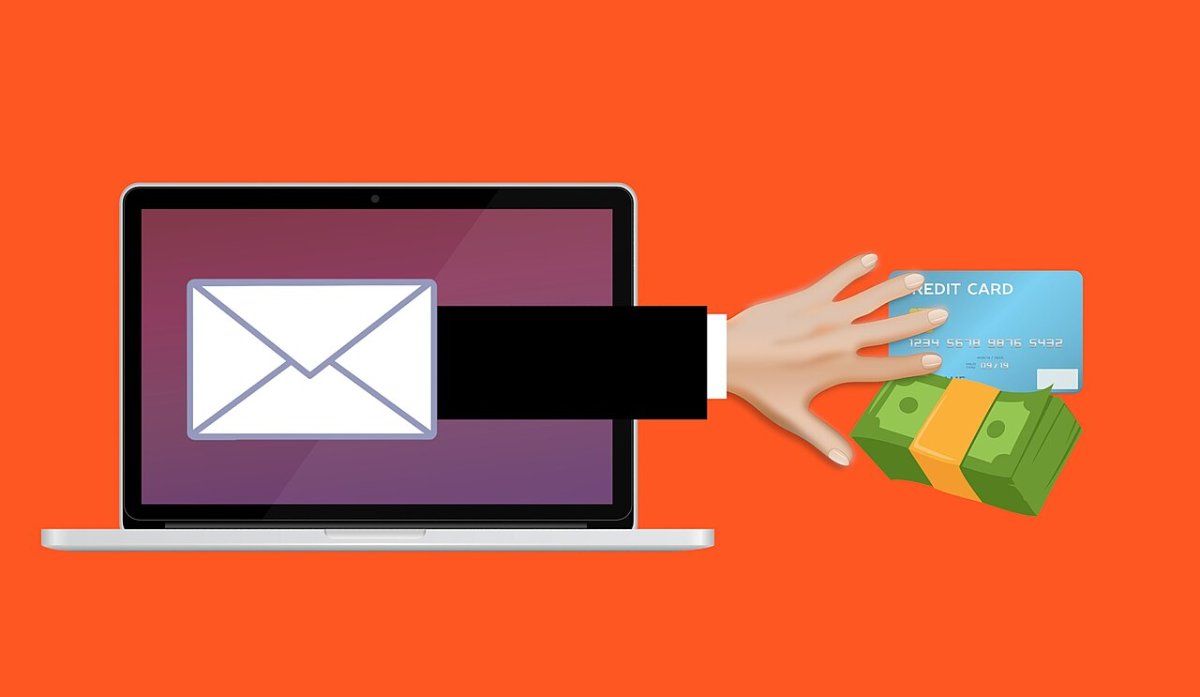
Phishing is when someone impersonates a trusted source — a bank, a coworker, a delivery service, a well-known company — to trick you into clicking a link, downloading a file, or handing over information like a password or card number. It’s one of the most common ways attackers get into accounts, precisely because it targets people instead of trying to break through technical defenses.
5 Ways to Spot a Phishing Email
1. Check the Sender’s Actual Email Address
The display name can say “Amazon Support” or “Your Bank,” but the real giveaway is the email address behind it. Tap or hover over the sender’s name to see the full address. If it’s a string of random characters, a slightly misspelled company name, or a domain that doesn’t match the company at all, that’s your first sign something’s off.
2. Look for Urgency and Pressure
Phishing emails are built to make you act before you think. Phrases like “your account will be suspended in 24 hours,” “unauthorized login detected,” or “final notice” are designed to trigger a fast, emotional reaction instead of a careful one. Legitimate companies rarely threaten immediate account loss over email.
3. Hover Before You Click
Before clicking any link, hover your cursor over it (or long-press on mobile) to preview the actual destination URL. If the text says “Sign in to your account” but the link underneath points to an unfamiliar domain, don’t click it. This single habit blocks a huge share of phishing attempts.
4. Watch for Generic Greetings and Odd Formatting
“Dear Customer” instead of your actual name, awkward phrasing, inconsistent fonts, or logos that look slightly stretched or low-resolution are all signs the email wasn’t sent by the organization it claims to represent. Real companies with your account information typically address you by name.
5. Be Suspicious of Unexpected Attachments
If you weren’t expecting an invoice, shipping label, or document, don’t open it — even if it appears to come from someone you know. Attackers frequently spoof addresses of people or companies you trust specifically because you’re more likely to open what they send.
What to Do If You Spot One
If an email raises any of these flags, don’t reply, click, or download anything. Instead:
- Delete it, or mark it as phishing/spam so your email provider can filter similar messages in the future
- If it claims to be from a company you actually use, go directly to their official website or app to check your account — never through a link in the email
- Report it. In the U.S., you can report phishing attempts to the FTC, which tracks scam patterns and shares warnings publicly
Building the Habit
The goal isn’t to scrutinize every single email you get — that’s exhausting and unnecessary. It’s to slow down for the specific moments that matter: anything asking you to log in, confirm payment details, or download a file. Government cybersecurity resources like CISA’s phishing guidance and consumer tools like Google’s Safety Center are good places to check current scam trends if you want to stay ahead of new tactics.
Most phishing emails aren’t sophisticated — they’re just counting on you being in a hurry. Learning to spot a phishing email takes a few extra seconds per message, and it’s one of the simplest habits you can build to protect your accounts long-term.
Read more tech related articles here.