
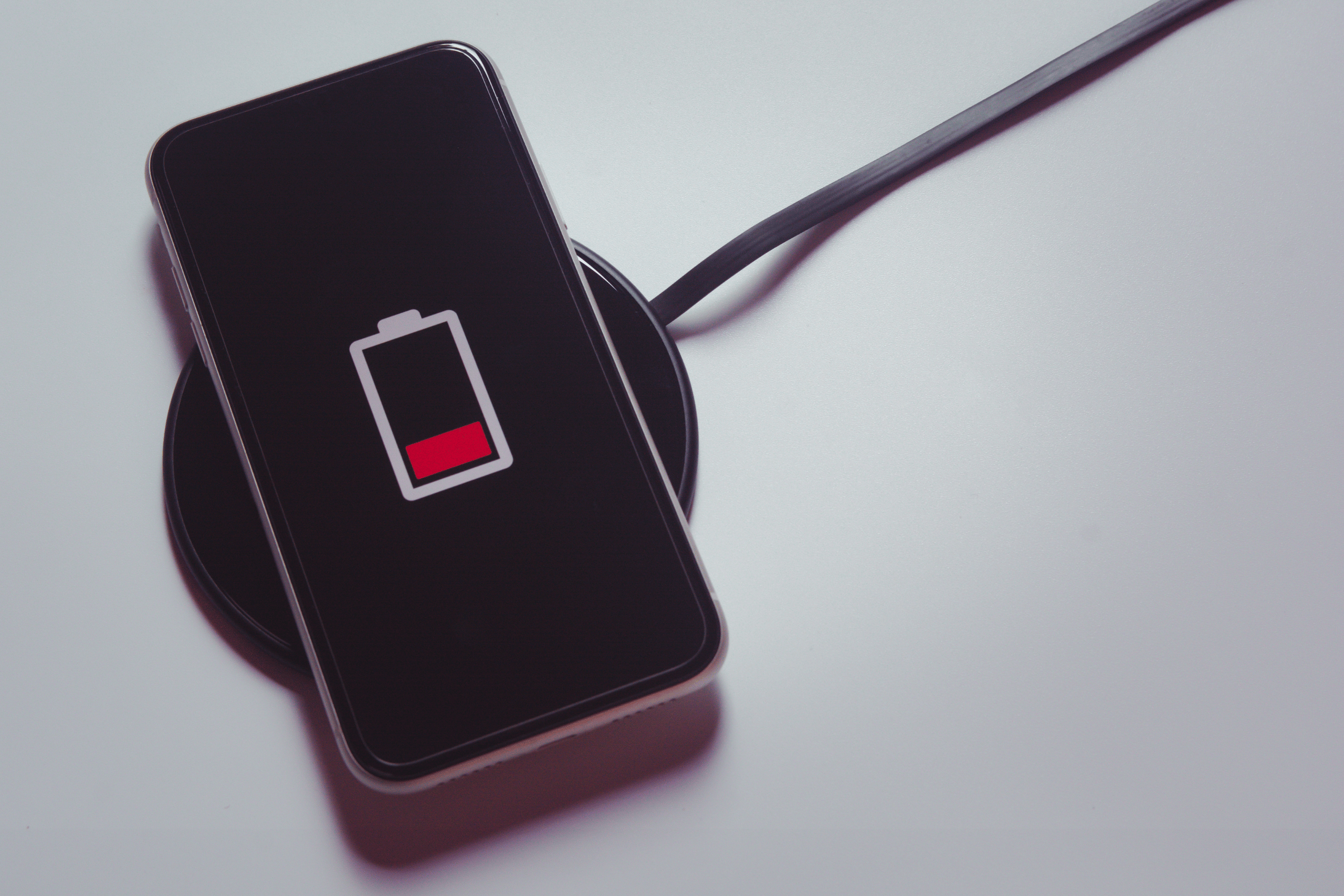
Understanding Why Your iPhone Battery Drains So Quickly (And What You Can Do About It). Ever glance at your iPhone only to find the battery bar glaring red — even though you swear you didn’t use it that much? You’re not alone. Rapid battery drain is a common frustration for iPhone users, but the good news is, many solutions are just a few taps away.
Common Reasons Your iPhone Battery Runs Out Quickly
Let’s start with the big question: why does your battery seem to vanish before your eyes? Understanding the culprits is the first step to gaining control over your battery life.
- Background App Activity: Apps running in the background can quietly consume energy — especially social media, email, and location-based apps.
- Screen Brightness: Your iPhone’s screen is one of the biggest power hogs. If it’s always at 100%, your battery will suffer.
- Push Notifications: Constant alerts from apps like news and messaging apps can wake your phone — and drain your battery — dozens of times an hour.
- App Updates and Bugs: Sometimes, an app with a glitch can quietly eat up battery power without you realizing it.
- Poor Signal Strength: If your iPhone is continually searching for a signal, it has to work harder, which eats up energy.
How to Fix Fast iPhone Battery Drain
Thankfully, you don’t have to sit by helplessly watching your battery percentage plummet. Follow these practical steps to make your battery last longer:
- Check Battery Usage
Navigate to Settings > Battery to see which apps are consuming the most power. You’ll get a breakdown by percentage, which can help you pinpoint problem apps. - Turn Off Background App Refresh
Head to Settings > General > Background App Refresh and disable it for apps that don’t need to update constantly. This can significantly reduce hidden battery drain. - Adjust Screen Brightness
Lower your brightness manually or toggle on Auto-Brightness in Settings > Accessibility > Display & Text Size. Also consider using Dark Mode if you’re on an OLED display (like iPhone X or later). - Enable Low Power Mode
Found in Settings > Battery, this mode reduces background activity, disables mail fetch, and dims your display — perfect for extending battery in a pinch. - Limit Location Services
Go to Settings > Privacy & Security > Location Services. Set apps to “While Using” or “Never” instead of “Always” if they don’t need constant GPS access. - Update iOS Regularly
Apple often pushes battery optimizations in software updates. Make sure your phone is up to date by going to Settings > General > Software Update. - Use Airplane Mode Wisely
If you’re in an area with weak signal and don’t need connectivity, turning on Airplane Mode can save surprising amounts of battery.
When It Might Be a Hardware Problem
If none of these tips make a difference, your battery might just be aging. Lithium-ion batteries degrade over time, and after a couple of years, their max capacity can significantly drop.
To check your battery’s health, go to Settings > Battery > Battery Health & Charging. If the Maximum Capacity is below 80%, or if there’s a message warning you of “significantly degraded” performance, it might be time for a replacement.
Apple offers battery replacement services — and if your iPhone is still under warranty or AppleCare+, you might be eligible for a discount or even a free replacement.
Final Thoughts
Battery drain can feel like a mystery, but with the right knowledge and a few tweaks to your settings, you can take back control. Whether it’s dimming your display, putting an end to background app sneakiness, or simply using Low Power Mode more often, your iPhone (and your sanity) will thank you.
And remember: if all else fails, don’t hesitate to visit an Apple Store or certified technician. Sometimes, a professional check-up is just what your phone needs to keep going strong.
Read more tech related articles here.





Leave a Reply