
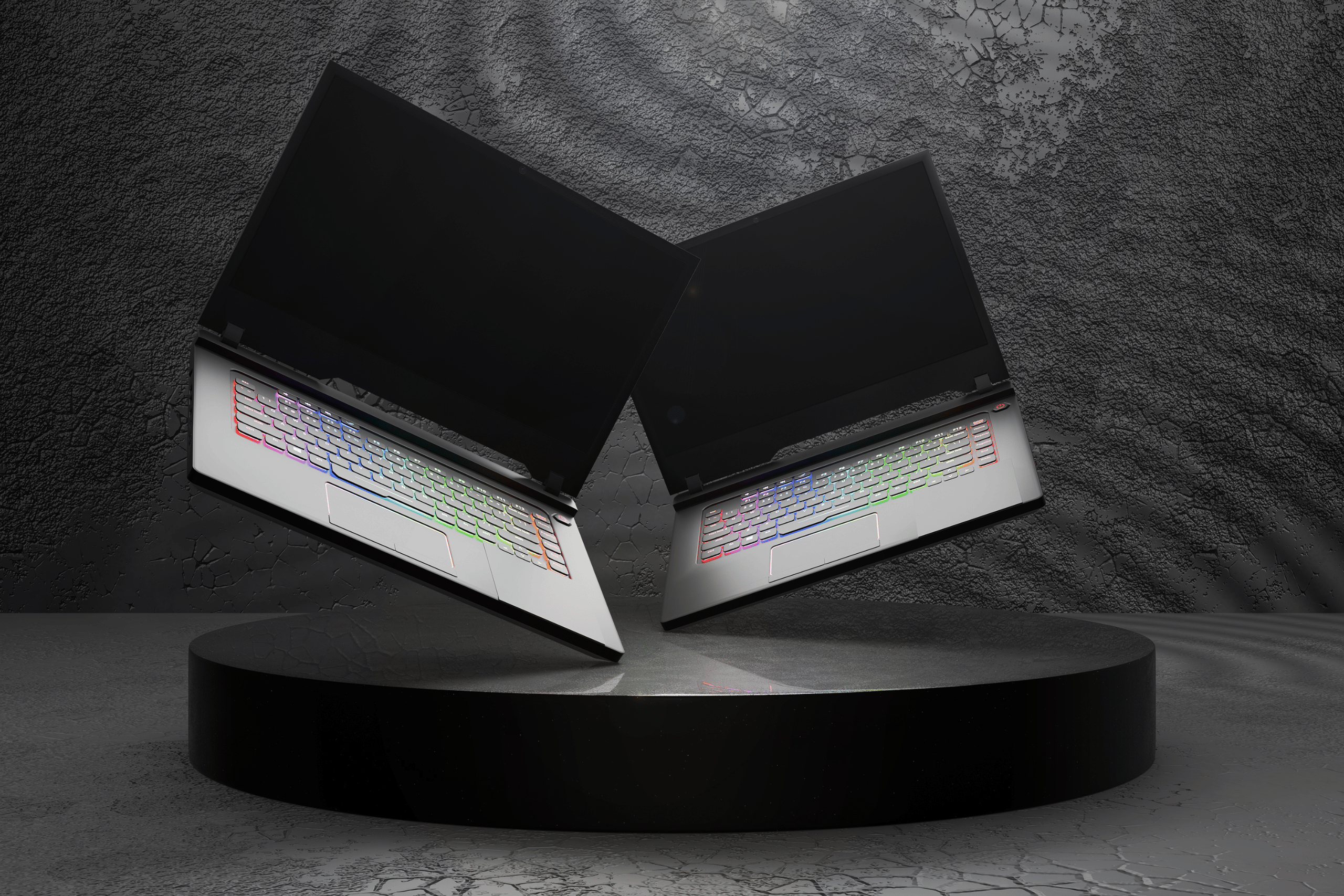
Gaming laptops just got a serious power injection. Nvidia’s RTX 5000 series GPUs have officially landed in laptops, and they’re turning heads with performance numbers that rival desktop graphics cards from just two years ago. But with prices starting at $2,999 for flagship models, the big question isn’t about specs—it’s whether these RTX 5000 gaming laptops are worth your hard-earned cash.
What Makes RTX 5000 Laptops Different?
The jump from RTX 4000 to 5000 series represents more than just faster frames per second. Nvidia’s new Blackwell architecture introduces DLSS 4 with Multi Frame Generation, a technology that can effectively triple your frame rates by generating multiple frames between actual rendered frames.
Translation? Games that struggled to hit 60 fps on ultra settings with RTX 4000 cards can now cruise at 120+ fps on RTX 5000 hardware. The Razer Blade 16 with RTX 5090 pulls off 4K gaming at settings that would have melted previous-generation laptops.
But performance isn’t the only story. These RTX 5000 gaming laptops pack more VRAM across the board—the RTX 5070 Ti comes with 12GB compared to the 4070’s 8GB—addressing one of the biggest complaints about last generation’s mid-range cards.
The Laptop Lineup: From Budget-Conscious to Ridiculous
RTX 5070 and 5070 Ti: The Sweet Spot
For most gamers, the Asus ROG Zephyrus G16 with RTX 5070 Ti hits the perfect balance. Starting around $2,000, these laptops handle 1440p gaming maxed out while maintaining portable 16-inch form factors.
The 5070 Ti’s 12GB of VRAM means you won’t hit memory limitations in texture-heavy games like Cyberpunk 2077 or Microsoft Flight Simulator. Battery life surprisingly doesn’t suffer much—expect 7-8 hours of productivity work when you’re not gaming, thanks to improved power efficiency.
RTX 5080: Premium Performance
The RTX 5080 occupies an awkward middle ground. It’s significantly more expensive than the 5070 Ti (typically $500-700 more) but only delivers 15-20% better performance in most games. Unless you’re chasing every last frame for competitive gaming or need the extra horsepower for content creation, the 5070 Ti offers better value.
Tom’s Hardware’s testing shows the 5080 shines in ray tracing workloads, where it maintains 60+ fps at 4K with full ray tracing enabled—impressive, but a luxury rather than necessity for most users.
RTX 5090: Desktop Replacement Territory
The flagship RTX 5090 laptop GPU is an absolute monster. MSI’s Titan 18 HX and Asus ROG Strix Scar 18 with 5090 graphics can handle literally anything you throw at them—4K gaming, 8K video editing, AI workloads, you name it.
The catch? These laptops start at $4,500 and go north from there. They’re also thick, heavy (7+ pounds), and require massive power bricks. This isn’t a laptop you’re carrying to Starbucks; it’s a desktop replacement that technically has a battery.
Real-World Performance: The Numbers Don’t Lie
According to Digital Trends’ testing, RTX 5000 gaming laptops deliver jaw-dropping improvements in ray tracing performance. Games like Indiana Jones and the Great Circle that struggled on RTX 4000 laptops now run butter-smooth at maximum settings.
The RTX 5070 Ti averages 90-120 fps in Cyberpunk 2077 at 1440p with ray tracing enabled—performance that required an RTX 4090 laptop last year. DLSS 4’s Multi Frame Generation literally doubles or triples frame rates in supported games, though it only works in titles that support the technology.
One interesting development: Intel’s improved integrated graphics mean you can actually game casually without firing up the discrete GPU, extending battery life significantly. Intel’s Arc B370 integrated graphics now rival entry-level dedicated GPUs for esports titles.
Display Technology: Where Laptops Shine
These RTX 5000 gaming laptops pair their powerful graphics with stunning displays that desktop monitors can’t match at comparable prices. OLED technology is now standard on premium models, delivering perfect blacks and incredible contrast ratios.
The Asus ROG Strix Scar 18 features a 2560×1440 mini-LED display with 1200 nits peak brightness—brighter than most HDR monitors—and 100% DCI-P3 color coverage. These aren’t just gaming displays; they’re professional-grade color-accurate panels suitable for photo and video editing.
High refresh rates are also standard. Even mid-range RTX 5070 laptops typically include 240Hz displays, while flagship 5090 models offer 360Hz panels for competitive gamers who need every millisecond of response time advantage.
The Cooling Challenge
All this power generates serious heat. Manufacturers have responded with increasingly sophisticated cooling solutions. The Lenovo Legion Pro 7i uses vapor chamber cooling with three fans, keeping temperatures manageable even during extended gaming sessions.
Still, thermal throttling remains a concern in thinner designs. The ultra-slim Razer Blade 16 runs warmer than chunkier competitors, occasionally dropping performance by 10-15% during sustained loads. If you prioritize consistent performance over portability, consider thicker models with better airflow.
Should You Buy an RTX 5000 Gaming Laptop?
Buy if you:
- Need desktop-class gaming performance in a portable package
- Create content professionally (video editing, 3D rendering, AI work)
- Want future-proofing for demanding games releasing in 2025-2027
- Can afford the $2,000+ entry price without financial stress
Skip if you:
- Primarily play esports or less demanding games
- Already own an RTX 4070 or better laptop from 2024
- Need maximum battery life for all-day productivity
- Find $2,000+ too steep for what amounts to luxury performance
The Bottom Line
RTX 5000 gaming laptops represent a genuine generational leap, not just incremental improvement. The performance gains are real, meaningful, and immediately noticeable in demanding games and creative applications.
However, they’re undeniably expensive. The RTX 5070 Ti hits the sweet spot for most gamers—delivering flagship 2023 performance at “merely” expensive rather than “mortgage your house” pricing. The 5090 is spectacular but overkill unless you’re earning money with your laptop or money is no object.
For existing RTX 4070 or 4080 laptop owners, the upgrade isn’t compelling enough to justify the cost. But if you’re coming from an RTX 3000-series laptop or older, these new machines will blow your mind. Just make sure your wallet is ready for the shock too.





Leave a Reply