
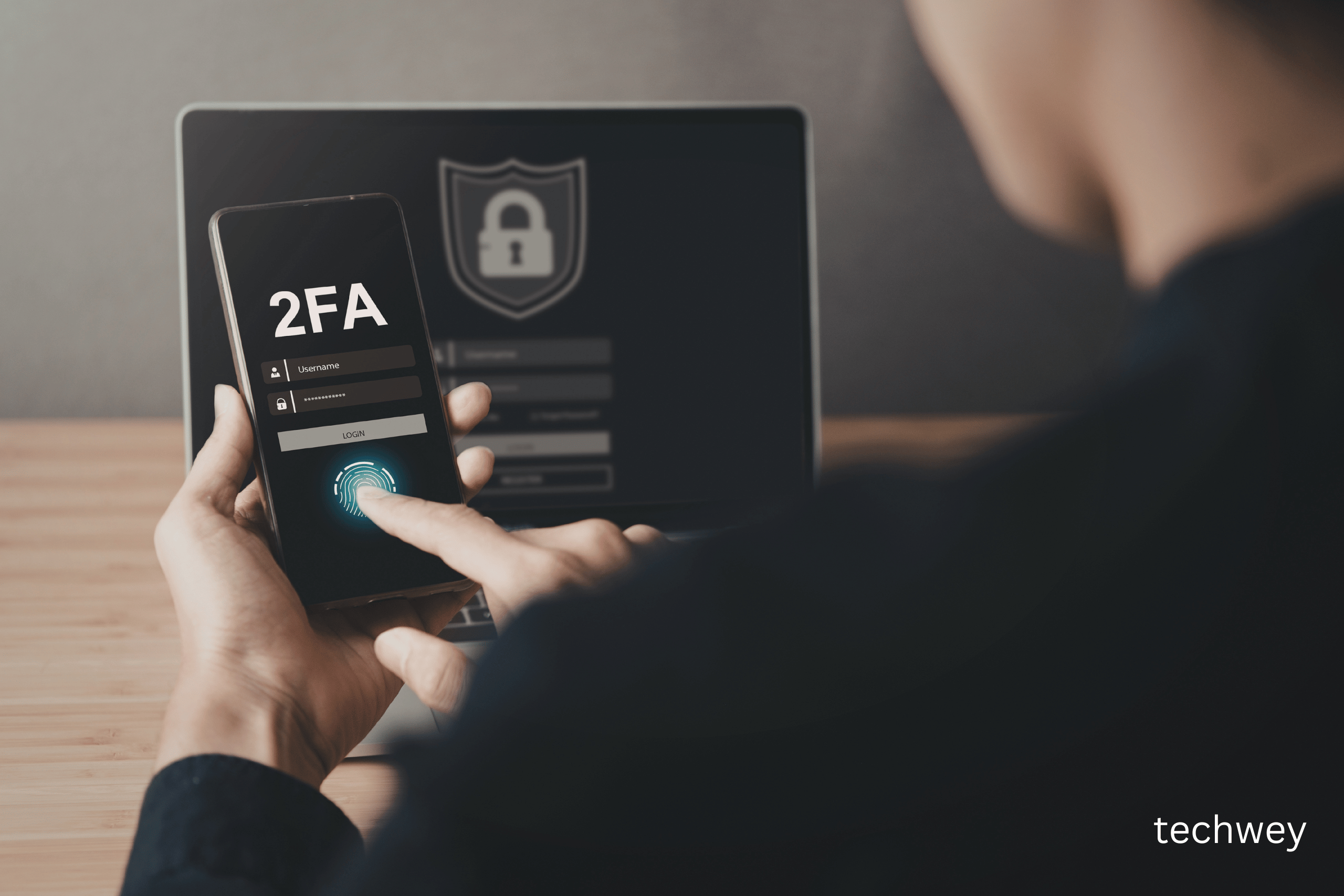
Two-factor authentication (2FA) is one of the simplest ways to improve your online security. As cyber threats continue to rise, relying on passwords alone is no longer enough. Two-factor authentication adds an extra layer of protection, making it harder for attackers to access your accounts.
Even if someone steals your password, they won’t be able to log in without the second verification step.
What is Two-Factor Authentication?
Two-factor authentication (2FA) is a security process that requires two forms of identification before granting access to an account.
These typically include:
- Something you know (password)
- Something you have (phone or device)
- Something you are (fingerprint or face recognition)
For example, when you log in to your email and receive a verification code on your phone, that’s two-factor authentication in action.
According to Google’s security recommendations, enabling two-factor authentication significantly reduces the risk of account hijacking.
Why it is Important
1. Protects Against Password Theft
Hackers often gain access through stolen passwords. Two-factor authentication prevents unauthorized access even if your password is compromised.
2. Prevents Phishing Attacks
Phishing attacks trick users into revealing passwords. With two-factor authentication enabled, attackers still cannot access your account.
Cybersecurity experts at Microsoft Security recommend enabling 2FA for all sensitive accounts.
3. Improves Business Security
Businesses benefit greatly from two-factor authentication, especially when employees access systems remotely.
According to Cisco’s cybersecurity report, multi-factor authentication significantly reduces cyber risks.
Types of Two-Factor Authentication
SMS-Based Authentication
A code is sent to your phone via SMS.
Authenticator Apps
Apps like Google Authenticator generate secure codes.
Biometric Authentication
Fingerprint or facial recognition adds another layer of security.
Hardware Tokens
Some organizations use physical security keys for authentication.
How to Set Up Two-Factor Authentication
Setting up two-factor authentication is simple:
- Go to your account security settings
- Enable two-factor authentication
- Choose your preferred method
- Verify your device
Most major platforms now offer two-factor authentication, including social media, banking apps, and email services.
You can also follow Apple’s security guide to enable two-factor authentication on Apple devices.
Best Practices for Two-Factor Authentication
- Use authenticator apps instead of SMS
- Keep backup codes safe
- Enable 2FA on important accounts
- Use strong passwords
Final Thoughts
Two-factor authentication is one of the easiest ways to improve your cybersecurity. With rising cyber threats, adding this extra layer of protection helps safeguard your accounts and personal data.
If you haven’t enabled two-factor authentication yet, now is the best time to start.
Read more tech related content here




Leave a Reply