
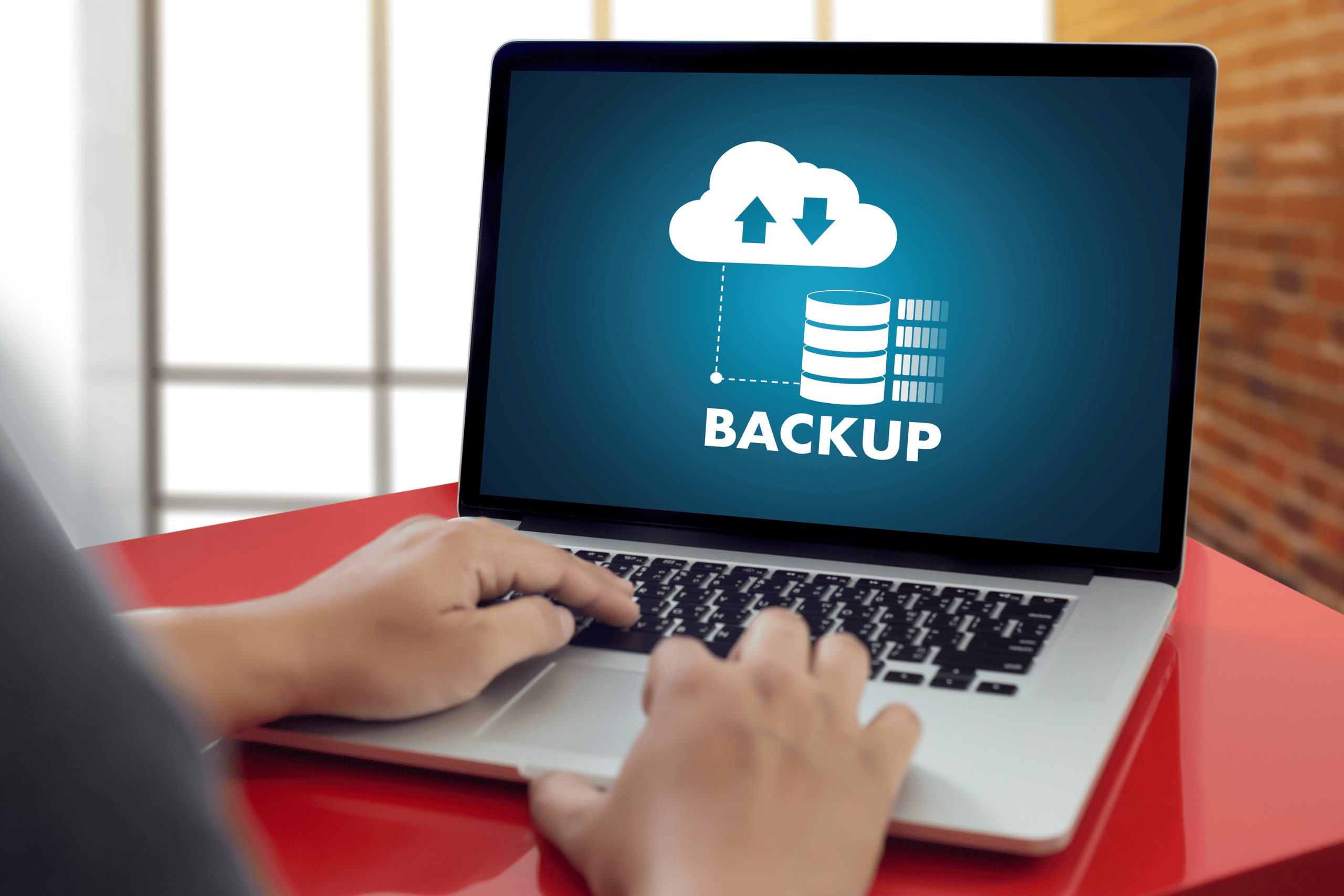
Why Backing Up Your Data Matters
Imagine this: one day, you open your laptop only to find that all your photos, documents, and important files have vanished. Whether it’s due to a hardware failure, theft, accidental deletion, or a malicious cyberattack, losing data can be a nightmare. Fortunately, that nightmare is preventable. Backing up your data is the best way to protect yourself from digital disasters—and doing it the right way can save you time, money, and stress.
Types of Data You Should Back Up
First things first—what exactly should you include in your backups? Here’s a quick list:
- Personal documents: Tax records, legal forms, resumes, and important PDFs.
- Photos and videos: Personal memories, project files, or creative work.
- Work-related files: Business documents, spreadsheets, presentations, and code.
- Emails and contacts: Especially if they’re not stored centrally on a cloud service.
- System settings and preferences: Useful if you’re restoring to a new device.
The 3-2-1 Backup Rule
One of the most trusted strategies backed by data management experts is the 3-2-1 backup rule:
- 3 copies of your data: 1 primary and 2 backups.
- 2 different storage types: Such as an external hard drive and cloud storage.
- 1 off-site backup: To protect against local disasters like fires or theft.
This rule ensures redundancy and enhances your chances of rapid recovery in case of data loss.
Best Methods to Back Up Your Data
1. External Hard Drives
Using an external hard drive is a cost-effective method for storing large files. Simply plug it in and drag or sync files regularly. For Mac users, Time Machine is a built-in solution, while Windows users can rely on File History or third-party tools.
2. Cloud Storage
Cloud services automatically back up your files to remote servers. This adds the benefit of accessibility from anywhere. Reputable options include:
- Google Drive
- Dropbox
- Microsoft OneDrive
- Backblaze (great for automatic, comprehensive backups)
3. Network-Attached Storage (NAS)
A NAS device connects to your Wi-Fi and acts as a personal cloud. It’s an excellent solution for households or small offices needing a centralized backup location.
4. Hybrid Approach
Combining local and cloud backup is a smart and practical method. You get the speed and control of local storage along with the protection and accessibility of the cloud.
How Often Should You Back Up?
Frequency depends on your data usage, but as a general rule:
- Backup personal files weekly.
- Mission-critical data (like ongoing work): daily or real-time backups are ideal.
- Automate your backups whenever possible. Less effort, fewer forgotten steps!
Bonus Tips for Better Backup Hygiene
- Encrypt your backups—especially if they contain sensitive data, to protect against unauthorized access.
- Label your drives and folders clearly, so you know what’s stored where.
- Test your backups every few months to make sure they’re accessible and up to date.
Final Thoughts
Your digital data is more valuable than you think—from cherished memories to essential work files. By implementing a solid backup routine that follows the 3-2-1 rule and leverages modern tools, you’re setting yourself up for data resilience and peace of mind. Remember, a backup isn’t just an insurance policy—it’s a smart habit and a modern necessity.
If you’re curious about advanced options or enterprise-grade solutions, the National Institute of Standards and Technology (NIST) offers excellent guidance on data protection and backup best practices.
Read more tech related content here.




Leave a Reply