
Why Your Internet Is Slower Than What You’re Paying For
You’re paying for 500Mbps. Your video call keeps freezing. Your downloads crawl. Your streaming buffers at 9pm every night. Something isn’t adding up. Here’s why your internet is slower than what you’re paying for.
You’re not imagining it. The speed advertised on your internet plan and the speed you actually experience day to day are almost always different — sometimes wildly so. Here’s why that happens, how to find out exactly what speed you’re getting, and what leverage you actually have to fix it.
What “Up to 500Mbps” Actually Means
The phrase “up to” is doing a lot of work in your internet plan. It means that speed is a ceiling — the theoretical maximum your connection can reach under ideal conditions. It is not a floor, not a guarantee, and not what you should expect at peak hours.
Most ISPs are legally allowed to advertise maximum speeds even if you only reach them occasionally — or never. In practice, your actual speeds depend on the technology connecting your home (fibre, cable, or DSL), network congestion in your area, the quality of the cabling inside your building, how many devices are sharing your connection, and how far you are from your ISP’s nearest exchange.
Fibre-to-the-home connections are the most reliable — the speed you’re sold is usually close to what you get. Cable internet is more variable, because you share bandwidth with your neighbours. DSL (copper phone lines) is the most limited, and speeds drop significantly the further you are from the exchange. If you’re not sure which you have, check your ISP’s website or call to ask.
How to Find Out What Speed You’re Actually Getting
Before you call your ISP, get the numbers. Run a speed test — and do it properly.
Use Fast.com (run by Netflix) or Speedtest by Ookla. Both are free and reliable. Run the test from a device connected directly to your router via ethernet cable — not over Wi-Fi, which adds its own variables. Run it three times at different points in the day: morning, afternoon, and evening.
The evening result will almost always be the lowest. That’s peak usage time, when everyone in your area is home and online simultaneously. Compare that to your morning result. A significant drop — say, 500Mbps in the morning and 80Mbps at 8pm — is a clear sign of network congestion rather than a problem with your specific connection.
The Three Most Common Culprits
Network congestion. Your ISP oversells bandwidth, counting on the fact that not everyone uses their full allocation simultaneously. At peak times, when they do, speeds drop for everyone. This is legal, it’s common, and it’s the hardest thing to fix without switching providers or upgrading to a plan with a dedicated connection.
Your router. Old routers bottleneck fast connections. If your router is more than four or five years old and you’ve upgraded to a faster internet plan since buying it, the router itself may be the limiting factor. Check your router’s maximum throughput — it’s usually on the label underneath. If it’s rated below your plan’s advertised speed, the router is capping you.
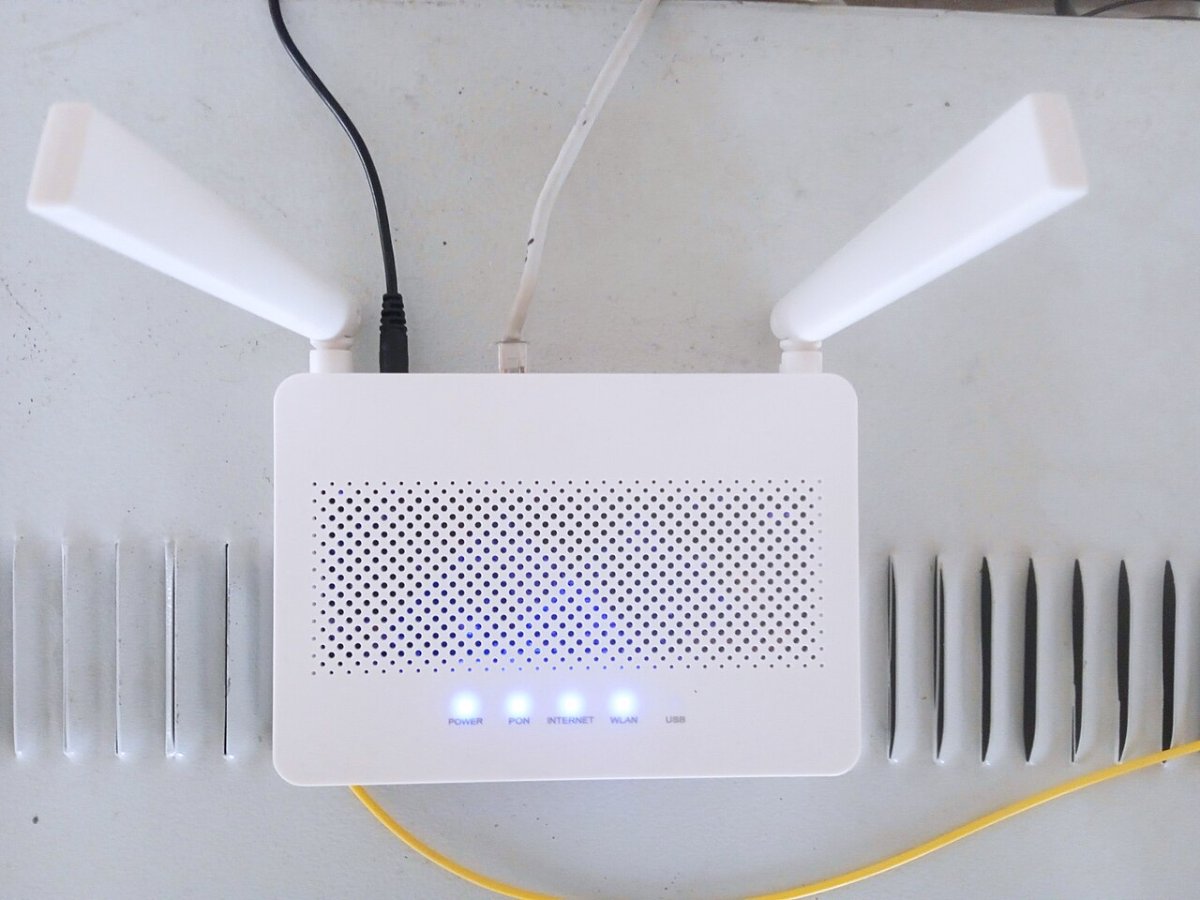
Your modem or ONT. The device connecting your home to the ISP’s network — a modem for cable/DSL, or an ONT (optical network terminal) for fibre — can also limit speeds. If your ISP provided it years ago and you’ve since upgraded your plan, ask whether your equipment is compatible with your current speed tier. Many people pay for faster speeds but are running on hardware that can’t support them.
What You Can Demand From Your ISP
ISPs are more accountable than most people realize. In many markets, if your consistently measured speeds fall below a certain percentage of your advertised speed, you have grounds to request a bill reduction, a free upgrade, or to exit your contract without penalty.
The key word is “consistently.” Run your speed tests at the same times each day for a week and save the results. Screenshots with timestamps. That’s your evidence.
When you call your ISP, don’t lead with “my internet feels slow.” Lead with data. “I’m running speed tests three times daily on a wired ethernet connection and consistently getting 80Mbps on a 500Mbps plan during evening hours. I have two weeks of results.” That framing gets a different response than a vague complaint.
When to Consider Switching
If your ISP acknowledges the congestion issue but says it can’t be resolved — common in areas with limited provider competition — it’s worth checking what alternatives exist. In many markets, new fibre providers have expanded coverage significantly in the past two years. A quick search for ISPs in your postcode or zip code takes five minutes and might reveal an option you didn’t know existed.
Also worth checking: your current contract end date. Switching providers mid-contract usually incurs an exit fee. Timing your switch to coincide with the end of your contract means you can negotiate from a position of strength — or leave without penalty if you find something better.
The Bottom Line
“Up to” speeds are a marketing construct. What matters is what you consistently get — and you have more tools to measure, document, and challenge that than most people use. Test your speeds. Save the results. Then have a data-driven conversation with your ISP. For more practical tips on getting more from your tech, see our guide on why your Wi-Fi is slow and how to actually fix it.
Read more tech related articles here.