ClickFix Malware Attack Hides in Your Browser Cache — Here’s How It Works
Picture this: you land on a login page for a tool you use every day, get hit with a “Verify you’re human” prompt, follow three simple steps to prove it — and you’ve just handed your PC over to a stranger in Eastern Europe. No download. No sketchy attachment. Just a copy-paste command your own browser walked you through.
What Is a ClickFix Malware Attack?
ClickFix isn’t a single piece of malware — it’s a social engineering playbook. Instead of exploiting a software bug, it exploits you. A fake error message, a bogus CAPTCHA, or a “document couldn’t load” notice appears on a compromised or lookalike website, and it walks you through a fix: press Windows+R, paste this, hit enter.
What you’re actually pasting is a command that was silently copied to your clipboard by JavaScript running in the background the moment the page loaded — a trick researchers call pastejacking. According to Cyber Security News, ClickFix usage surged 517% in the first half of 2025 alone and now ranks as the second most common attack vector after phishing, accounting for nearly 8% of all blocked attacks tracked by researchers.
The reason it works so well is almost embarrassingly simple: it never touches an actual vulnerability. It just asks nicely, and people comply because the instructions look official and the “problem” feels urgent.
Who’s Behind These Campaigns
ClickFix has been adopted by everyone from run-of-the-mill cybercriminals to state-backed hacking groups, including Russia’s APT28 and North Korea’s Kimsuky. Microsoft has documented the technique extensively on its Security Blog, warning that it’s become one of the most reliable ways attackers gain an initial foothold on both corporate and personal machines.
Inside DOUBLECUP: The Service Hiding Malware in Cached Images
DOUBLECUP takes the ClickFix formula and adds a layer of misdirection that makes it far harder to catch. According to a report from SOCRadar’s Threat Research Unit, first covered by BleepingComputer, the Russian-language loader-as-a-service has been operating since June 2026 and comes complete with a paid license, a Go-based Windows builder tool, and hosting infrastructure — essentially a malware attack kit for hire.
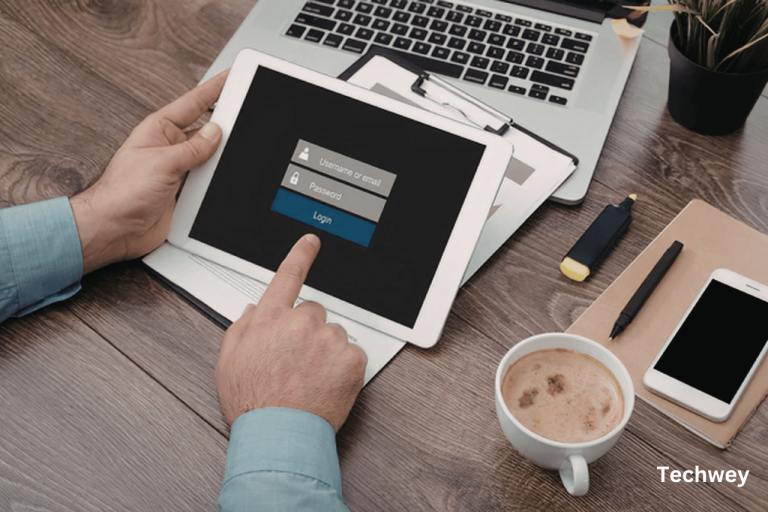
Here’s the sequence: a victim lands on a fake CAPTCHA page — researchers have spotted convincing impersonations of NetSuite, Odoo, HubSpot, and Salesforce login screens. The page quietly forces the browser to download and cache a specially crafted PNG image using steganography to hide code inside the picture’s pixel data. Because it’s just an image sitting in the browser’s own cache folder, it raises no red flags.
The victim then follows the on-screen “verification” steps, pasting a command that searches the browser cache for that exact image by file size, extracts the hidden payload using built-in Windows tools like findstr or certutil, and runs it in memory. From there, it drops one of two payloads: an updated version of the CountLoader malware, which now targets both Windows and macOS, or a newly discovered remote access trojan called DeviceManager.
Why This Is Hard to Catch
DeviceManager takes evasion a step further. It uses a technique called EtherHiding to pull its command-and-control address from an Ethereum or Polygon smart contract instead of a traditional server — making it far more resistant to takedowns, since there’s no single domain or IP to block. Antivirus tools looking for suspicious downloads or unusual network traffic simply don’t have much to flag, because nothing about the initial infection looks abnormal.
How to Protect Yourself From a ClickFix Malware Attack
The good news: once you know the pattern, ClickFix loses most of its power. A few habits go a long way.
- Never paste anything into the Run dialog or PowerShell because a website told you to. Legitimate verification never requires you to manually execute a command.
- Treat “Verify you’re human” prompts with suspicion if they ask for anything beyond a checkbox or simple puzzle.
- Keep browser and OS security features on, including Smart App Control and script execution restrictions where available.
- Clear your browser cache regularly on shared or high-risk machines, since cached files are exactly what this attack relies on.
- Train teams to recognize the pattern — IT security awareness programs are increasingly adding ClickFix simulations for this exact reason.
If you’ve already pasted and run a suspicious command, disconnect from the network immediately and run a full scan with updated antivirus software, then change passwords for anything you accessed afterward — clipboard-based attacks are often just the entry point for credential theft.
The Bigger Picture
DOUBLECUP is the latest sign that attackers are investing in ClickFix as a long-term platform, not a one-off trick. Similar steganography-based campaigns have already been used to deliver LummaC2 and Rhadamanthys malware, and the barrier to entry keeps dropping as these attacks get packaged and sold as ready-made services. For everyday users, the defense hasn’t changed: the moment a website asks you to manually run a command to “fix” something, that’s the scam.
Read more tech related content here.