
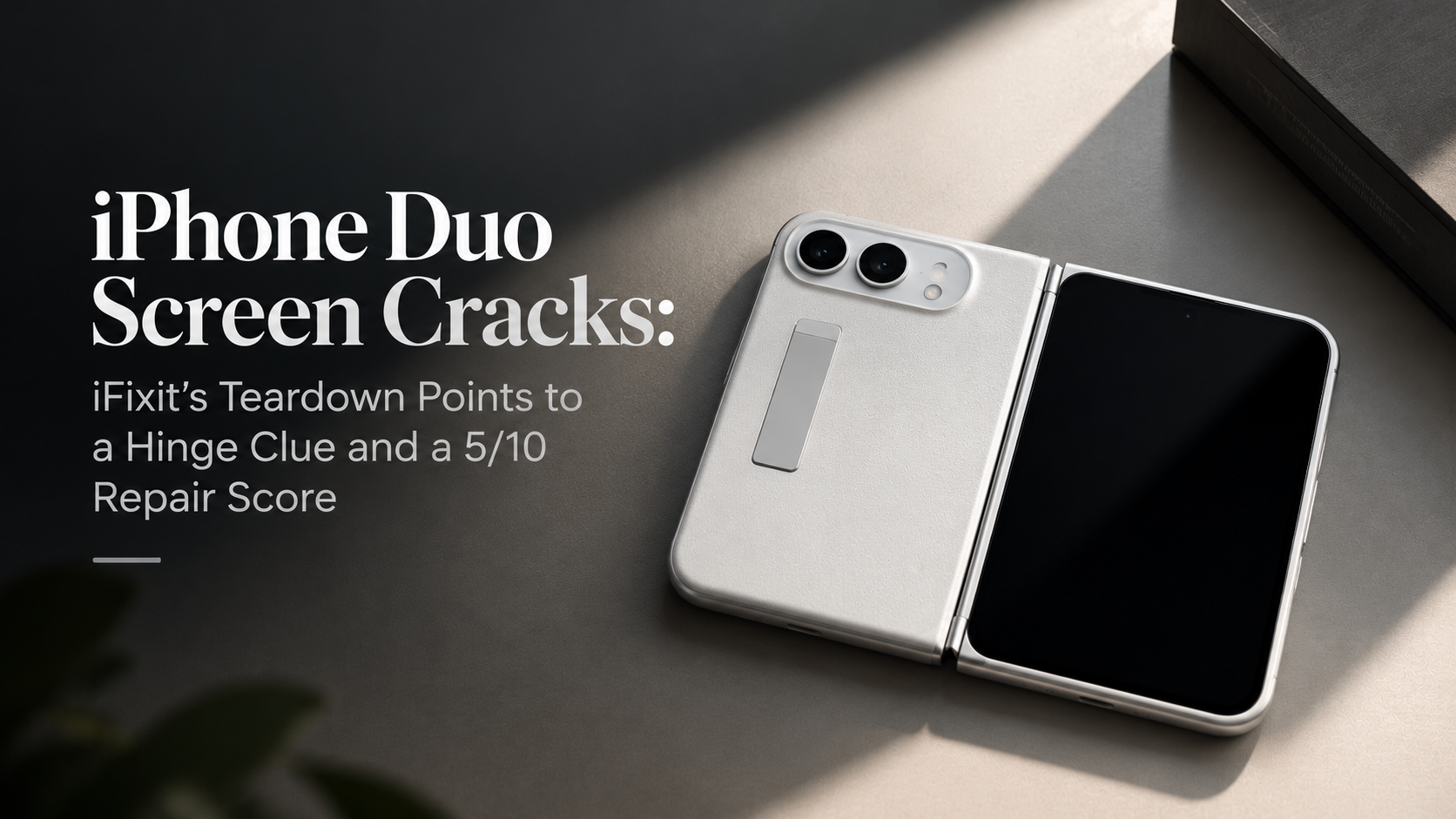
iPhone Duo Screen Cracks: iFixit’s Teardown Points to a Hinge Clue and a 5/10 Repair Score
iFixit has published its teardown of the iPhone Duo, Apple’s first foldable, and it may have found a clue to the screen cracks some owners are reporting. In its teardown, the repair specialists give the phone a provisional 5 out of 10 for repairability, the highest score they have given a foldable.
The key word is “possible.” iFixit says its work does not prove what is breaking screens. IBTimes reports that neither explanation has been confirmed in retail devices and that Apple has not commented.
What Owners Are Reporting
iFixit says owners are reporting cracks and bright lines along the fold. It points to reports of damage appearing within hours of purchase, and in one case before setup was finished. The pattern is a small line down the fold and a bright line across the display, often after a noise when opening or closing the phone.
For now, Apple is offering replacement units, according to iFixit. Out-of-warranty damage to the inner screen costs $999.
The Possible Cause
To investigate, iFixit built a 3D model of the hinge from teardown footage, patents and CT scans, then compared it with the locations of reported damage. It found that the breaks cluster near the point where the gap for the display’s flex cable meets the central hinge support, slightly below where the cable passes through.
One possible explanation is a stuck center support bar. In iFixit’s simulation, the bar fails to drop far enough, so the curved screen comes down onto it and creates a stress hotspot near the reported break location.
9to5Mac makes the same point. The teardown does not definitively establish the cause, but the similarities between the damage and the hinge’s geometry give the team promising leads. iFixit also notes that a small fault in a display’s electrical connections can affect an entire row or column of pixels, so damage can look bigger than the crack itself.
Why 5/10 Is Good and Bad News
The score is provisional, because iFixit is still waiting for replacement parts. It expects them to arrive through Apple’s self-service program soon. Apple has already published a repair manual.
Apple borrowed several repair-friendly tricks from regular iPhones. The two batteries release with electricity, so they come out cleanly. The outer screen and the trim around the inner screen came off in one piece. The internal layout is fairly flat, which means fewer parts to remove to reach the one you need.
The inner display and hinge account for the biggest deductions. Replacing the inner screen is slow, delicate work, and iFixit notes that the $999 repair would cost about half as much as a whole new phone. A cheaper fix exists for the matte cover layer, which Apple prices at $49, or $19 with AppleCare.
iFixit also needed five different screwdriver types to finish the teardown. Its verdict is blunt: this is not an endorsement of repairing the Duo, and anyone who prioritizes repairability should still pick a conventional phone.
Dust and the Hinge
iFixit also ran its fluorescent powder test, shaking the phone in glowing dust and then taking it apart. The Duo collected less visible powder than the Galaxy Z Fold8 and Pixel 11 Pro Fold did in earlier tests. Even so, enough reached the hinge to make it crunch.
The reason is how dust ratings work. iFixit explains that IP certifications cover the enclosure, which does not appear to include a foldable’s hinge mechanism. Cleaning or replacing those moving parts means removing the flexible display and its supports.
How the Crease Stays Hidden
The teardown also explains why the Duo’s inner screen looks so smooth. A matte nano-texture layer scatters reflections, which helps hide the crease. With that layer removed, iFixit says the crease is arguably even more visible than on the Z Fold8. It also found oddly shaped, slightly wobbly subpixels, which appear to match an Apple patent on reducing visual artifacts.
What Owners and Buyers Can Do
This section is our own advice, not part of iFixit’s findings.
Handle the hinge gently and do not force it if it feels tight or gritty. Keep the phone away from sand and fine dust. Check Apple’s return and replacement terms before you buy, and consider coverage if you plan to keep the phone for years. iFixit notes that many owners are opting for AppleCare for this reason.
Back up your data regularly in case a repair or replacement is needed. Our guide to backing up your data properly explains how.
What to Watch Next
Watch for an Apple statement, for replacement parts reaching the self-service program, and for more owner reports. For background on the phone, see our guide to everything Apple announced in September. If you are comparing foldables, read our breakdown of the Galaxy Z Fold8 Ultra, Fold8 and Flip8.